
#Personas
A persona is someone, or something, your product is for: a shop manager, a nightly indexer, an agent that answers support mail. Personas are who plays your use cases, and the reason a requirement exists at all.
Personas are part of the Requirements option of the Plan capability, a switch under Plan in Settings ▸ General ▸ Capabilities. It is off until you turn it on. Turning it off hides Requirements in the sidebar and deletes nothing.
#The Personas tab
Requirements in the sidebar opens a page with three tabs: Requirements,
Use cases and Personas. The Personas tab draws one card per
persona, numbered #A1, #A2 and so on, with its kind, its role and the
first line of its goals. The kind filter at the top shows Human,
System or Agent personas only.
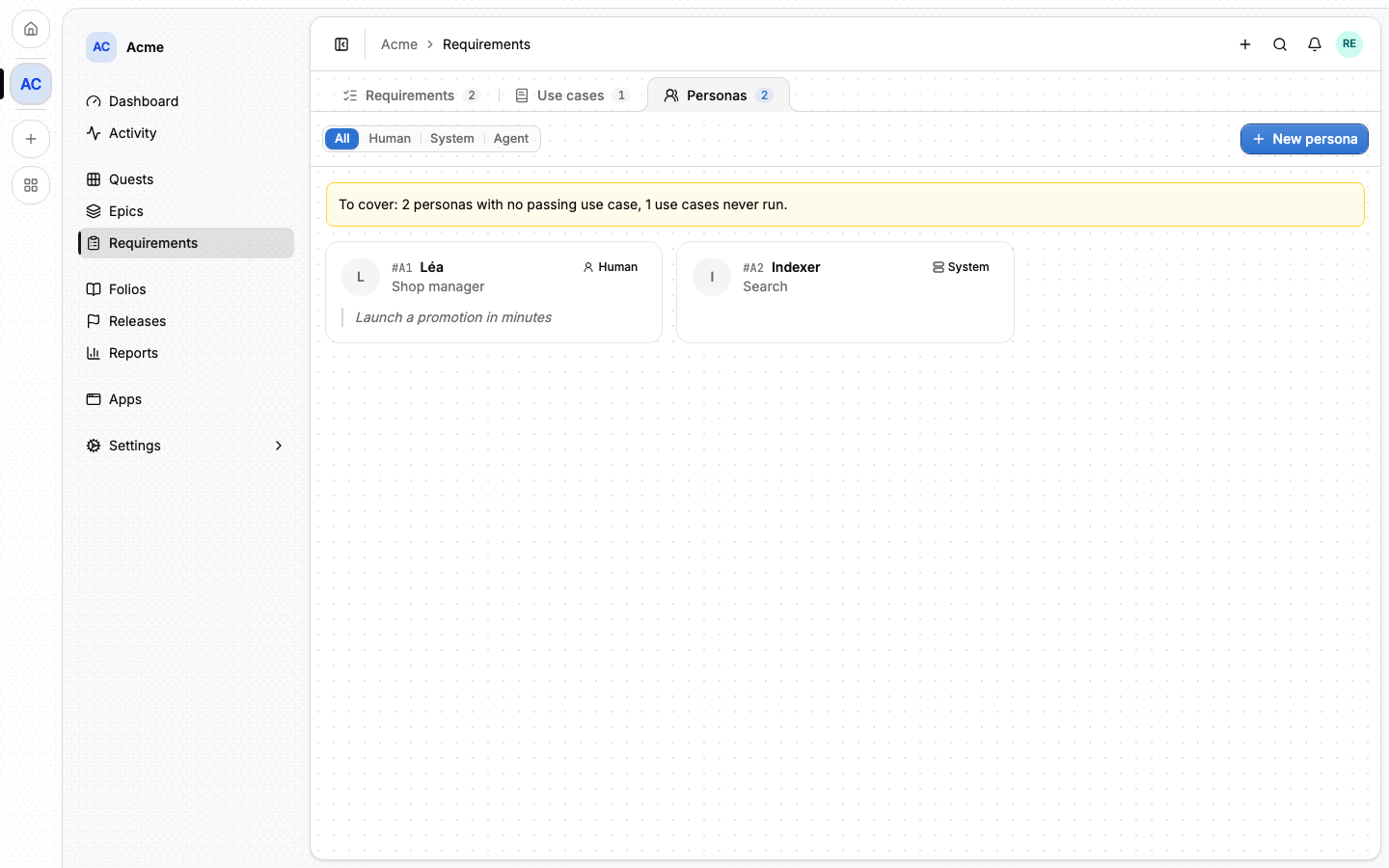
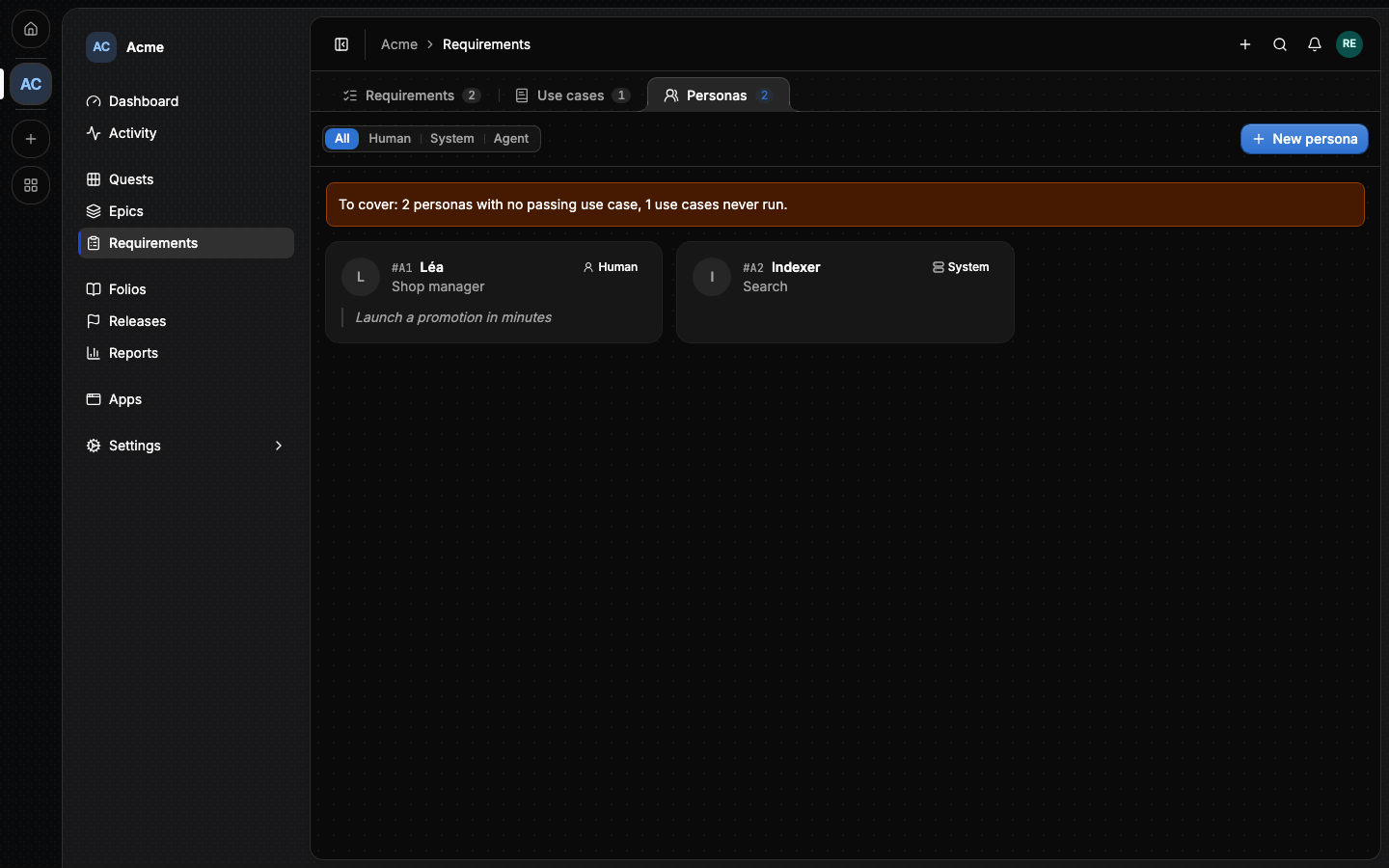
A banner says what is left to cover: the personas with no passing use case, and the use cases never run.
New persona (also in the Create menu) opens the form:
| Field | What it holds |
|---|---|
| Name | How everyone calls them: Léa, Indexer. |
| Kind | Human, System or Agent. |
| Role | What they do, in a few words. |
| Who they are | A paragraph, in Markdown. |
| Goals, Frustrations | What they come for, and what gets in their way. |
| Alepha role | The role the app gives them, as text. |
| Demo account, Demo seed | The login a tester uses, and the seed file that creates it. |
| App, Environment | The app copy they use: what Open as opens. |
| Areas | The areas of the project they touch. |
Reading personas needs persona:read, which every rank has, the Viewer
included. Writing needs persona:write.
#A persona's page
Opening a card shows the persona's identity card on the left and its tabs:
- Overview: who they are, their goals and frustrations, and a Changes card when their scope changed.
- Changes: the quests completed since the persona's last run that touch
them, each saying how it was found: through an epic covering one of their
use cases, or because it mentions them (
[[#A2]]). Below, What's new for the persona lists every such quest, release by release. - Showcase: the latest recording of each of their use cases, per release, read from the evidence of their runs. The tab hides while there is no recording.
- Activity: who changed what, and when.
When a quest touching the persona completes after their last run, a banner says the scope changed and how many use cases to verify again.
Open as opens the persona's app copy in a new tab. Lore signs no one in: copy the demo account from the identity card and sign in yourself. The button is hidden when the persona names no copy, or the copy is gone, and is refused on a production copy. Verify opens the Verify dialog for all the persona's use cases.
#From the command line
lore persona list --project acme
lore persona create --name "Léa" --kind human --role "Shop manager"
lore persona get A1
lore persona comment add A1 --body "Interviewed on Tuesday"
See The lore CLI.
#From an agent
An agent reads and writes personas with persona_list, persona_get,
persona_create, persona_update, persona_delete and
persona_comment_add. A persona is referenced as [[#A2]] in any quest,
epic, folio or comment, and the reference becomes a link. The full list is in
MCP tools.
#Next
- Use cases: what personas do.
- Verify and runs: checking that they still can.