
#Notifications
Lore tells you about things addressed to you in two places: an inbox inside the app, behind the bell, and email. This page covers how to read and clear the inbox, what reaches you, and which messages you can turn off.
#The bell and the inbox
The bell in a project's header shows how many messages you have not read, across every project, and opens a list of the latest ones. See all opens the full inbox, on all projects.
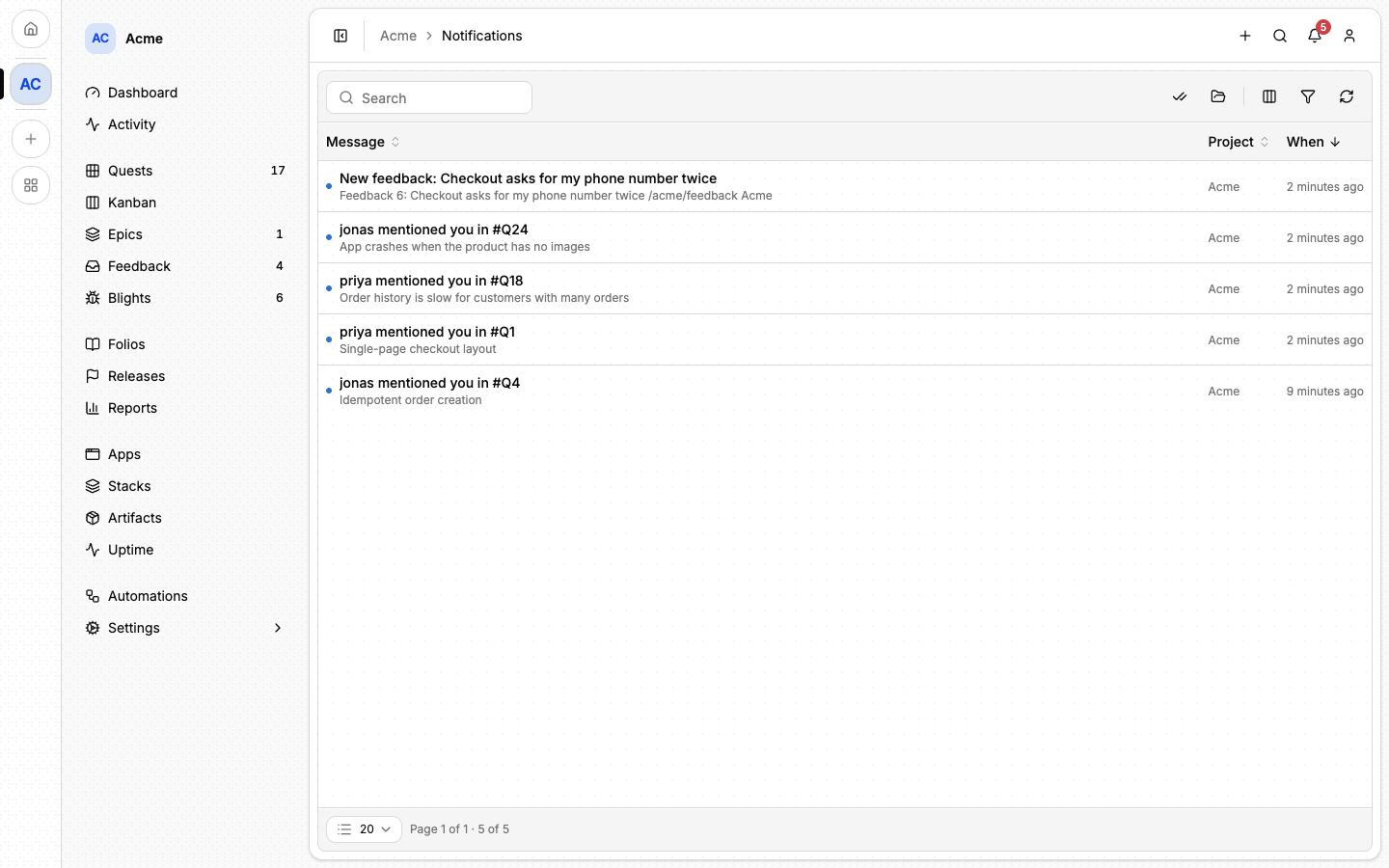
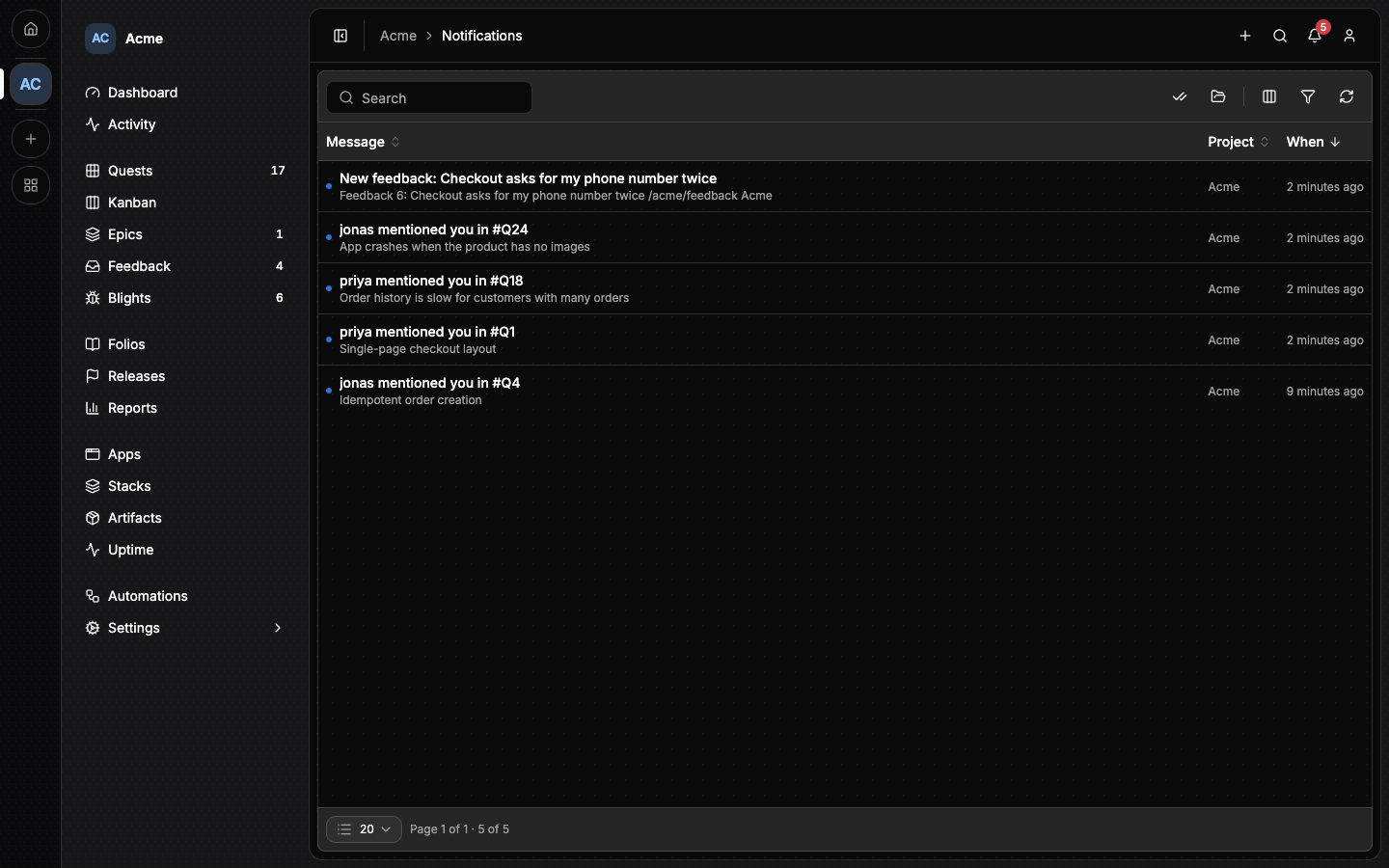
In the inbox:
- A message shows its title, a preview, its project and when it arrived. An unread one has a dot and a heavier title.
- Clicking a message marks it read and opens what it is about.
- Mark all read marks every message in the current scope.
- This project and All projects switch the scope. The address carries
it as
?scope=all. - The search box filters what is loaded on the page, by title and preview, and Load more brings the next 25.
The inbox has no sidebar entry: the bell and the command palette, under
Notifications, are the ways in. Its address is /<project-slug>/inbox.
It belongs to no capability, so every project has one, a project with only
Support on included.
Messages are yours alone: nobody else can read them, and there is no permission to grant.
#What reaches you
| Message | Sent to | Inbox | |
|---|---|---|---|
| A mention | A member named with @name in a quest or feedback comment |
Yes | Yes |
| A release published | Every member of the project | Yes | Yes |
| A report accepted or rejected | The person who filed it | Yes | Yes |
| A report answered | The person who filed it | Yes | Yes |
| An automation's message | The rule's recipient, on the channel the rule names | Yes | Yes |
| An automation paused for review or broken | The rule's author | Yes | No |
| A quest reminder | Whoever accepted the quest | No | Yes |
| A project invitation | The person invited | Yes | Yes |
| A healthcheck alert | The monitor's recipients | No | Yes |
| A Cloudflare token failing | Every member of the estate's project whose rank grants estate:update, the owner among them |
No | Yes |
| A throwaway estate overdue | The same people | Yes | Yes |
A few rules explain what you will and will not receive:
- Your own actions send you nothing. A report you triage yourself does not notify you. An automation has no such rule, so it can tell you about something you did.
- One event, one message. A comment that both answers a report and names its author sends a single message.
- An invitation reaches the bell only when its address already has an account. The bell links to your Invitations page. The email alone carries the one-time link. Accepting the invitation marks its message read.
- An estate with no project yet tells the person who created it, until an instance admin assigns it a home. See Estates.
- An agent's comment is a comment too.
@namein a comment an agent writes reaches that member, the owner of the API key the agent works as included. That is how an agent asks you for a decision.
#Turning messages off
Open your account and choose Notifications. The preferences there apply to you in every project.
- Email turns off everything that would be mailed to you, except the security mail your account depends on, such as sign-in codes and password resets.
- In-app has no switch: the inbox is always on.
- Kinds of message are switches that apply to both channels at once. Sign-in codes and password resets are not listed, and stay on whatever you mute here.
| Kind | What it covers |
|---|---|
| Automations | Messages from project automation rules. |
| Deploy credentials | A deploy credential you own has stopped working. |
| Your reports | A project accepts, rejects or answers a report you submitted. |
| Healthchecks | Confirmed outages and recoveries from your monitors. |
| Project invitations | A project invites you, in the bell only: the email stays under Quest reminders. |
| Mentions | Somebody writes your name in a quest or feedback comment. |
| Releases | A project you belong to publishes a release. |
| Quest reminders | Nudges about a quest you accepted, and project invitations. |
Only you, signed in, can change these: an API key or a connected app cannot.
#From an agent
There is no tool for the inbox. An agent reaches a person through a comment
that names them: quest_comment_add, feedback_comment_add, or the reason
of quest_hold. Use it when you need that person, not to address the room.
See MCP tools.
#Next
- Members: invitations and who is in a project.
- Automations: rules that send messages of their own.
- Feedback: the reports and answers behind several of these messages.
- Healthchecks: who an outage alert goes to.