
#Capabilities
A project is a container: a name, an address, its members, and the parts of Lore it uses. Those parts are its capabilities. A team that only wants a wiki turns on Knowledge alone; a team that plans, documents, supports and operates a product turns on all four.
#The four capabilities
| In the wizard and in Settings | Sidebar entries | What it is for |
|---|---|---|
| Plan and track work | Quests, Kanban, Epics, Releases, Automations | The work: what is planned, in progress and shipped. |
| Write and keep knowledge | Folios | The memory: linked notes, files and their history. |
| Deploy and watch apps | Apps, Blights, Stacks, Artifacts, Uptime | What you run: analytics, errors, checks and deploys. |
| Collect feedback | Feedback | What your users ask for, and an inbox to triage it. |
These pages call them Work, Knowledge, Apps and Support for short.
Some things belong to every project, whatever its capabilities: the dashboard, the activity feed, reports, members and ranks and notifications. A project with every capability off is still a project with members and a history.
#Options
Most capabilities have options, so that a small project is not shown a page it will never use. An option that is off hides its menu entry and its fields.
Work
| Option | What it adds |
|---|---|
| Board | A Kanban board with columns you name. See Quests. |
| Epics | Bounded initiatives that group quests. See Epics. |
| Releases | Named versions that ship. See Releases. |
| Automations | Rules that notify or act on an event or a schedule. See Automations. |
| Estimates | A planned duration on each quest. |
| Timer | The time a quest actually took. |
| Reminders | A nudge to whoever holds a quest that has gone quiet. |
| Agent prompts | A menu that copies a ready-made prompt for your coding agent. See Agent prompts. |
Knowledge
| Option | What it adds |
|---|---|
| Summaries for agents | Shows the summary field on a folio. See Folios. |
Apps
| Option | What it adds |
|---|---|
| Track apps | Analytics, vitals and errors reported by your apps. See Telemetry. |
| Deploy apps | Pushing a build to a machine you own. See Deploying an app. |
| Healthchecks | Checks on websites, ports, certificates and scheduled jobs. See Healthchecks. |
| Stacks | Apps and services deployed together from one Compose file. See Stacks. |
Support has no option.
#Turning one on or off
Open Settings ▸ General ▸ Capabilities. Each capability is a switch, with its options beneath it.
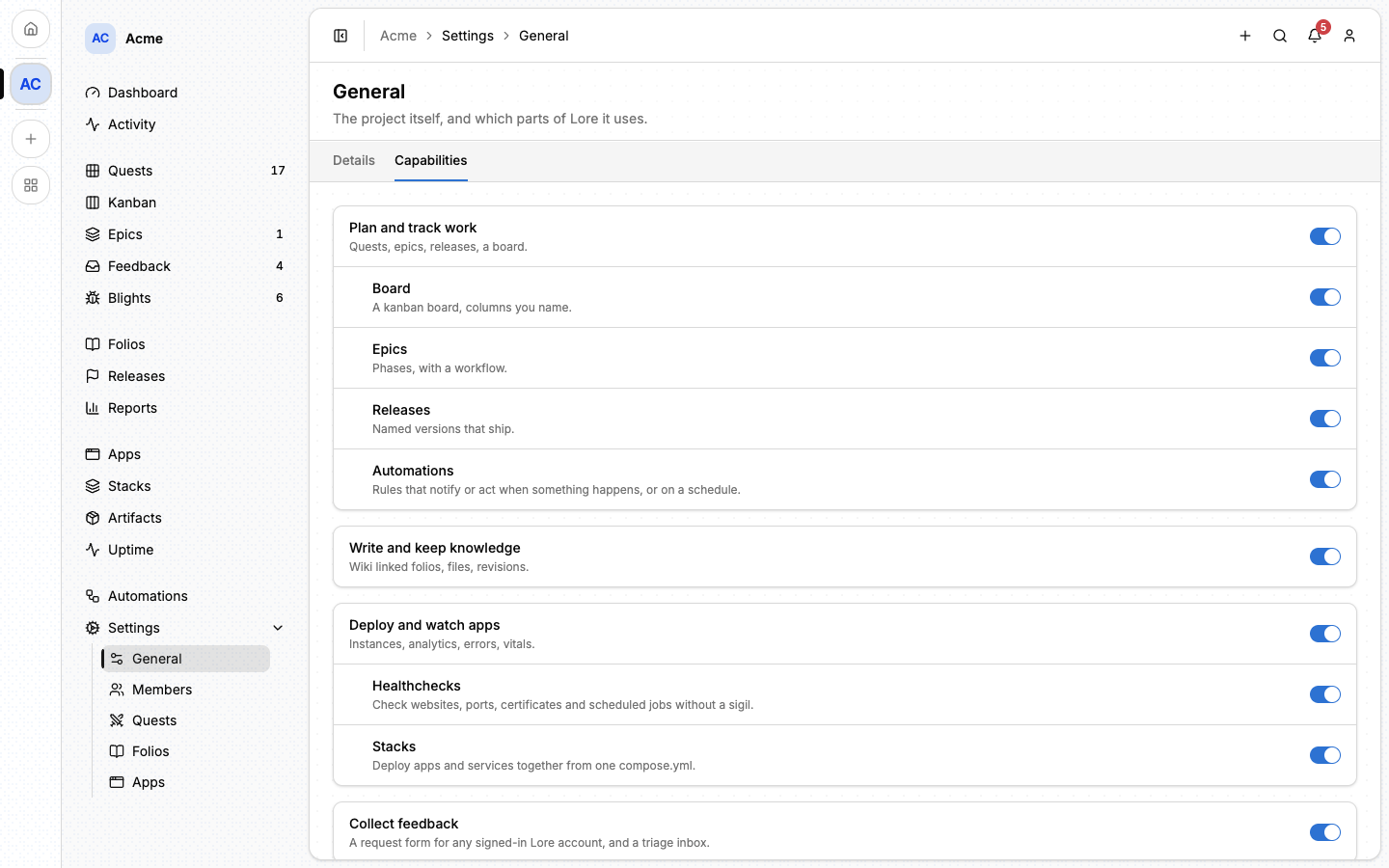
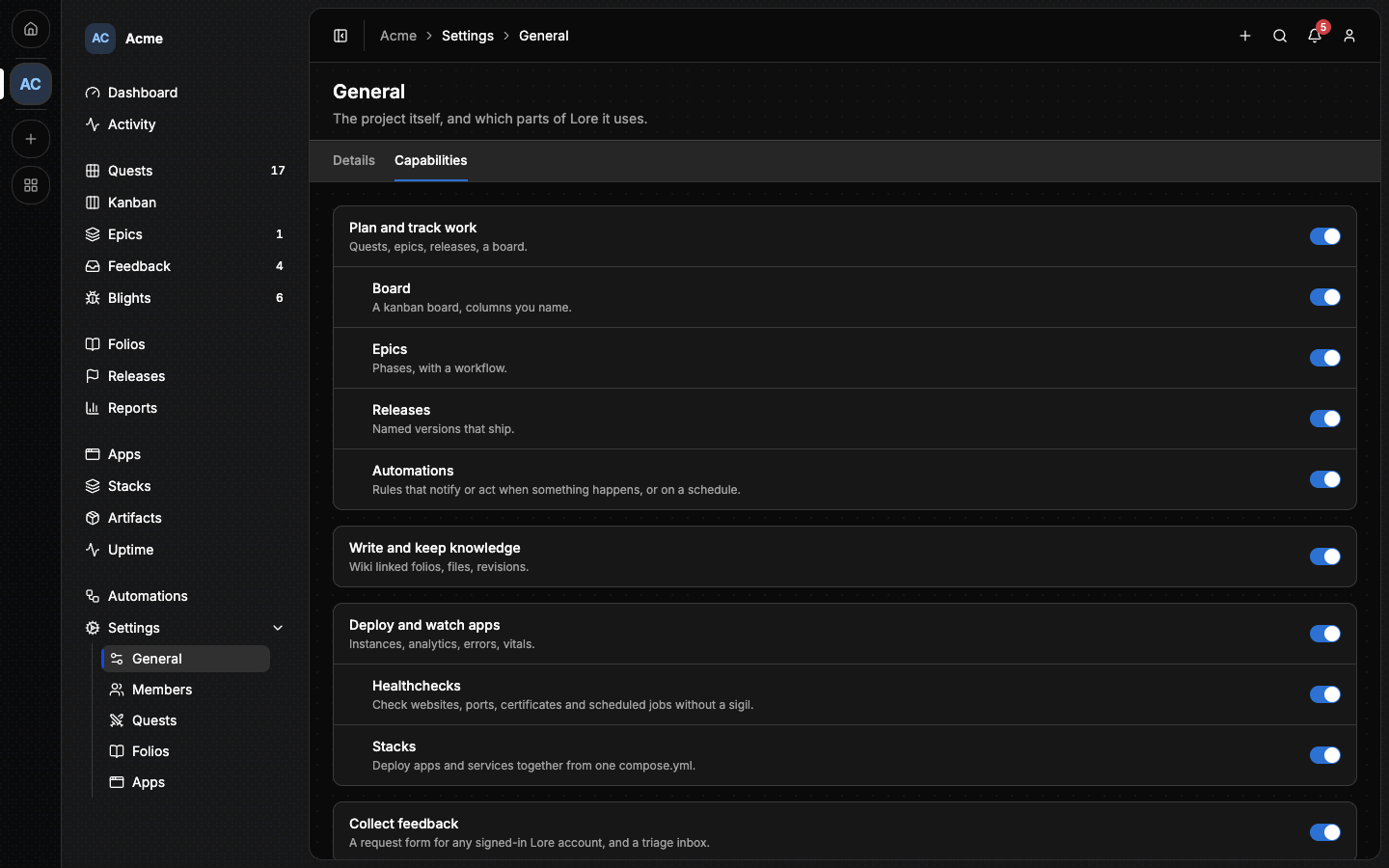
Turning a capability off:
- removes its entries from the sidebar and its results from search;
- refuses new writes to it, from the browser, the command line and agents alike, with a message that names the capability;
- deletes nothing. Turn it back on and every quest, folio or app is where you left it.
Only the project's owner can switch capabilities. No rank can be given that right.
#The rest of a project's settings
Settings ▸ General ▸ Details holds the project itself:
- Icon and Name. Renaming a project changes its address, and frees the old one for someone else to take.
- Preferred Language: the language agents should write quests and folios in.
- Repository: where the project's commits live. Once it is set, the commits recorded on a quest become links.
- Export quests downloads every quest as a CSV file.
- Archive project hides it from the switcher, search and the home page without deleting anything.
⚠️ Delete this project removes the project and everything in it, for good. Only the owner can do it.
Each capability then has its own settings section, named like its sidebar entry: Quests, Folios, Apps.
#From the command line
lore project capability list -p acme
lore project capability enable apps -p acme --option uptime
lore project capability disable support -p acme
enable also changes the options of a capability that is already on; options
you do not name keep their value. See
The lore CLI.
#Next
- Members and ranks: who is in the project and what each person can do.
- Dashboard: the page a project opens on.
- Quests: the heart of the Work capability.