
#Introduction
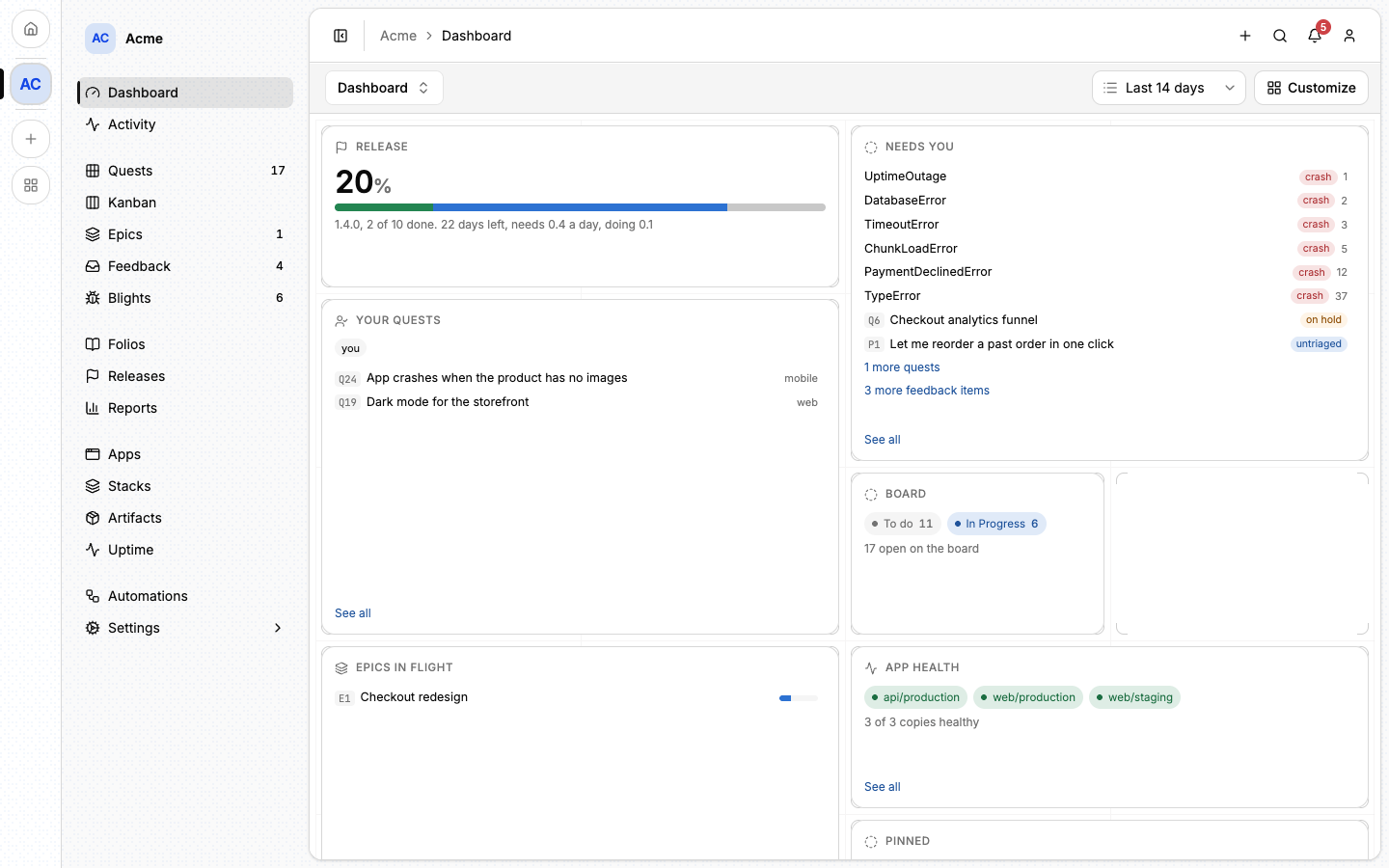
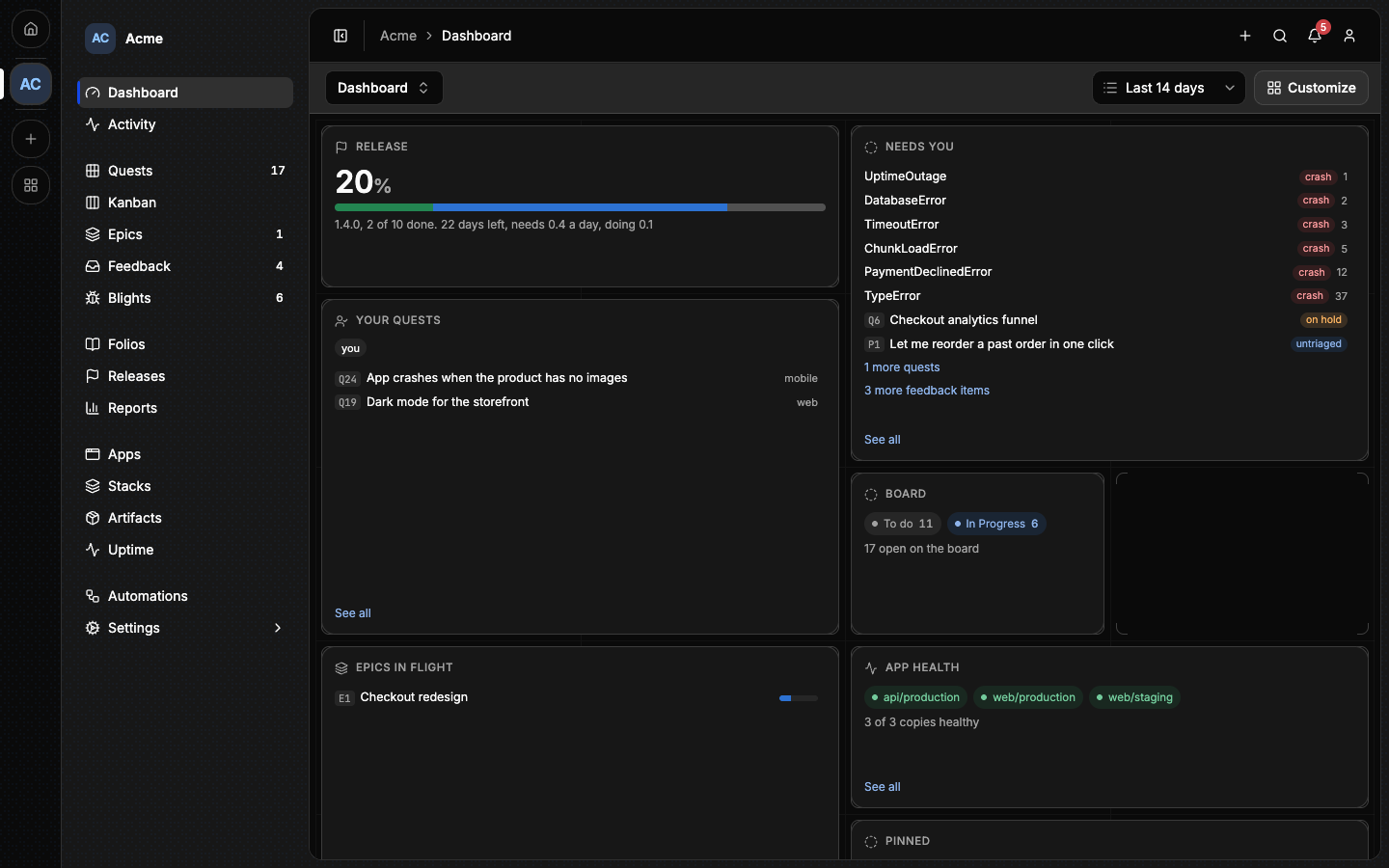
Lore is an open-source app for running a software project: what is planned, what was decided, what your users ask for and how your apps are doing, in one place that people and AI agents share.
You can use the hosted instance at lore.alepha.dev or run your own from one Docker image. Lore does not care what your project is written in: planning, knowledge and feedback work the same for a Rust service, a mobile app or a hardware product.
#What a project holds
A project is made of four capabilities. You pick them when you create the project and you can switch any of them later, without losing anything.
| Capability | What you get | Start here |
|---|---|---|
| Work | Quests (units of work), grouped into epics and shipped in releases, with a list and board. | Quests |
| Knowledge | Folios: linked notes in a tree, with files and history. The project's memory. | Folios |
| Support | Feedback: a request form for your users and an inbox to triage what they send. | Feedback |
| Apps | Your deployed apps: analytics, errors, healthchecks and deploys. | Apps and instances |
Every project also has a dashboard, reports, members with ranks and notifications, whatever its capabilities. Capabilities explains each one and its options.
#Three ways in
Everything in a project can be reached three ways, with the same permissions behind each:
- In the browser. This is where most of this documentation takes place.
- From an AI agent. Lore is an MCP server, so a coding agent can read the project's folios before it starts, pick up a quest, tick its objectives and write down what it learned. An agent acts as the person who connected it and can never do more than that person. See Connecting an agent.
- From a terminal. The
lorecommand does the same from a shell or a CI job. See The lore CLI.
You do not need an agent to use Lore. A team that never connects one gets a complete project tool; a team that does gets a place where the agent's work is planned, visible and reviewable like anyone else's.
#Lore and Alepha
Lore is built with the Alepha framework and is released alongside it, which is why its documentation lives on this site. You do not need to know Alepha, or use it in your own project, to use Lore.
Two features of the Apps capability are made for apps built with Alepha today: telemetry, which an app reports through an Alepha module, and app deploys, which ship an Alepha build. Healthchecks watch any address, and stacks deploy any Compose file.
#Next
- Quickstart: an account, a project, your team and a first quest, in a few minutes.
- Capabilities: what each part of a project does, and how to turn it on.
- Self-hosting: your own instance, from one command.